

Your first trade
You trade from a coin’s page, in the trade panel on the right.
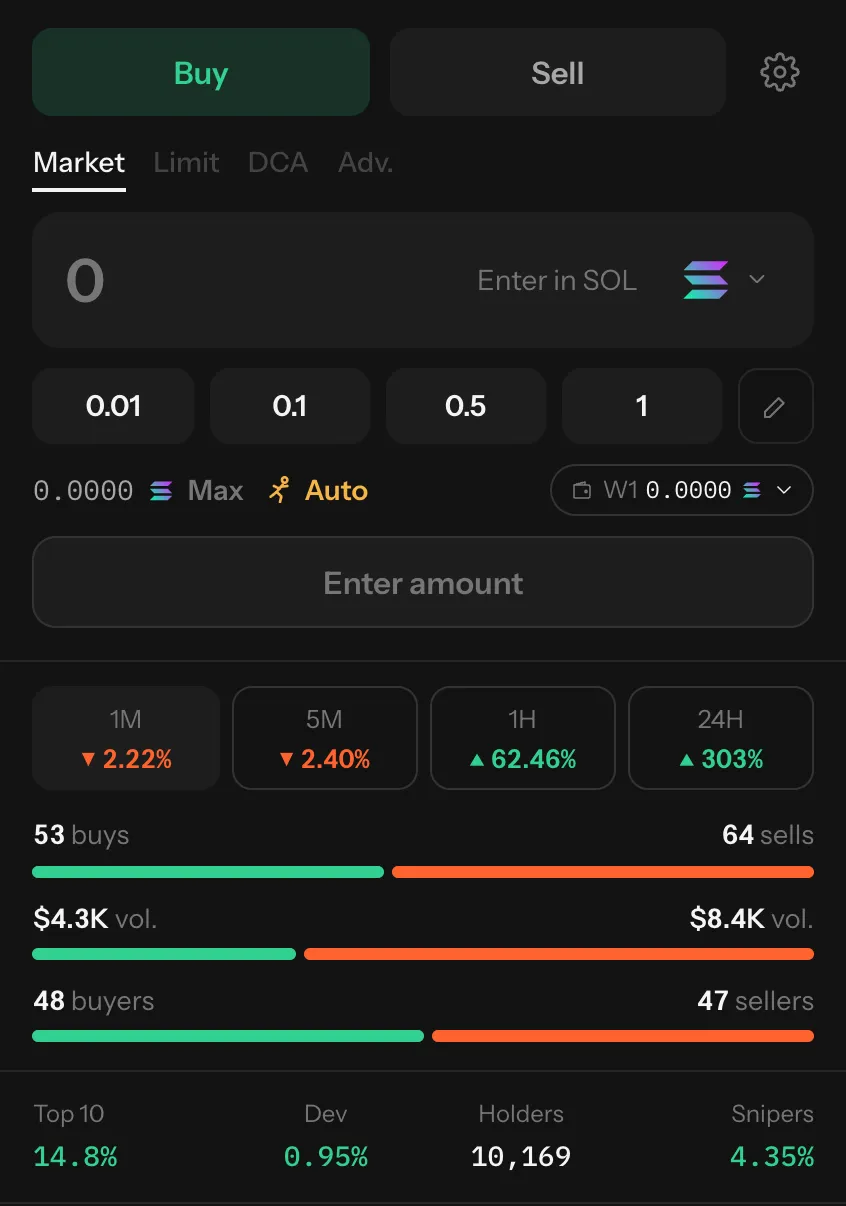
- Open a coin: pick one from the list on Home, from Trending, or search with the / key.
- Choose Buy.
- Choose what to pay with from the menu in the amount box (for example SOL, USDC or ETH).
- Type an amount, or press a quick amount such as 0.1 or $25.
- Press Buy. A popup follows the trade until it lands, with a link to the transaction.
When a quick amount turns green, it’s already quoted and signed: pressing it then Buy sends at once. See Instant buys.
- Choose Sell on the coin’s page.
- Press a share of what you hold: 10%, 25%, 50% or 100%, or type one.
- Press Sell.
You can also sell a whole position from Portfolio with Sell All.
Before you trade
Section titled “Before you trade”- Check the coin’s numbers under the panel: who holds it, how much the creator and snipers keep.
- Look at Settings for slippage and speed. The defaults (Auto) suit most trades.